Construction Photo Documentation Best Practices
A single disputed change order can cost a general contractor $50,000 or more. A missing photo during an insurance claim can mean the difference between full coverage and a denial. And when OSHA shows up for a site inspection, "I think we documented that" is not an answer anyone wants to give.
Construction photo documentation is no longer optional. It is a core part of project management, risk mitigation, and client communication. Yet most field teams still rely on camera rolls, scattered folders, and emailed attachments that disappear into inboxes.
This guide covers eight practical best practices that will help you build a reliable, defensible documentation process for every project you work on.
Why Photo Documentation Matters on Construction Sites
Before diving into the how, it helps to understand the why. Construction site photos serve several critical functions:
Legal protection. Photos with timestamps and GPS data create an objective record of site conditions at specific points in time. When disputes arise over who damaged what, or whether work was completed to spec, dated photos are your strongest evidence. Courts and arbitrators treat timestamped, geotagged photos as far more credible than verbal testimony.
Progress tracking. Weekly or daily photo documentation gives project managers a visual timeline of work. You can compare framing progress from week to week, verify that rough-in inspections match plans, and catch delays before they compound.
Client communication. Owners and stakeholders who are not on site every day need visibility into progress. A well-organized photo report builds trust and reduces the volume of "how's it going?" calls.
Regulatory compliance. Many municipalities, agencies, and project owners require photo documentation at specific milestones. Environmental monitoring, safety compliance, and quality assurance programs all depend on photographic evidence.
Insurance claims. If a storm damages a partially completed structure, your insurance adjuster will ask for documentation of site conditions before and after. Without it, you are negotiating from a weak position.
The common thread: poor documentation costs money. Good documentation protects it.
8 Best Practices for Construction Photo Documentation
1. Organize Photos by Project and Phase
The single biggest mistake in construction photo documentation is dumping every photo into one camera roll or shared folder. Three months into a project, you have thousands of photos with no way to find what you need.
Instead, create a clear hierarchy. Each project should be its own container. Within each project, group photos by visit date, inspection type, or construction phase. Think of it as: Project > Survey > Photos. A survey might be "Foundation Inspection - March 15" or "Week 12 Progress Photos."
This structure means you can pull up exactly what you need in seconds, not minutes. When an owner asks for photos from the rough electrical inspection, you go straight to that survey rather than scrolling through hundreds of unrelated images.
Some practical tips:
- Name projects consistently: include the address or project number
- Create a new survey or folder for each site visit
- Separate punch list documentation from progress photos
- Archive completed projects so they do not clutter your active workspace
2. Capture GPS Data with Every Photo
Location data transforms a photo from "a picture of a wall" into "a picture of the north wall at 34.0522 N, 118.2437 W, taken at 2:14 PM on March 15."
GPS metadata matters for several reasons:
- Proof of presence. It verifies that your team was physically on site when the photo was taken.
- Defect pinpointing. When you document a crack or water intrusion, GPS coordinates let you locate the exact spot months later, even if the surrounding area has changed.
- Compliance requirements. Some regulatory programs require geotagged photos as part of their documentation standards.
- Map-based visualization. With GPS data, you can plot every photo on an interactive map and see exactly where each shot was taken across the site.
Make sure location services are enabled on every device your team uses for documentation. On iPhone, go to Settings > Privacy > Location Services and confirm your camera app has access. On Android, enable location tags in your camera settings.
If you are uploading photos from a DSLR or drone, verify that GPS logging is enabled on the device, or use a GPS logger that syncs with your camera.
3. Write Descriptive Captions
A photo without a caption loses most of its value within weeks. You might remember what that photo shows today, but three months from now, "IMG_4872.jpg" tells you nothing.
Good captions are specific, concise, and follow a pattern. Compare these:
- Bad: "wall"
- Better: "North wall, 2nd floor"
- Best: "North wall, 2nd floor - hairline crack at beam connection, approx 4 inches"
A strong caption answers three questions: Where is this? What does it show? Why does it matter?
Keep captions under 150 characters. You are writing a label, not a paragraph. The goal is to give anyone viewing the photo enough context to understand what they are looking at without needing to call you for an explanation.
For teams, establish a captioning convention. Consistency across team members makes reports more professional and searchable.
4. Document Consistently
Ad hoc documentation creates gaps. If you photograph the site thoroughly on Monday but skip Wednesday's visit, you have a hole in your timeline that could matter later.
Build documentation into your routine:
- Same areas, same angles. Photograph key areas from the same vantage points each visit. This creates a visual comparison over time that is immediately understandable.
- Set a minimum. Decide on a minimum number of photos per visit. Even on a routine check, capture the overall site condition, active work areas, and any safety-related items.
- Cover all trades. Do not just photograph your own work. Document adjacent trades, site conditions, weather impacts, and anything that could affect your scope.
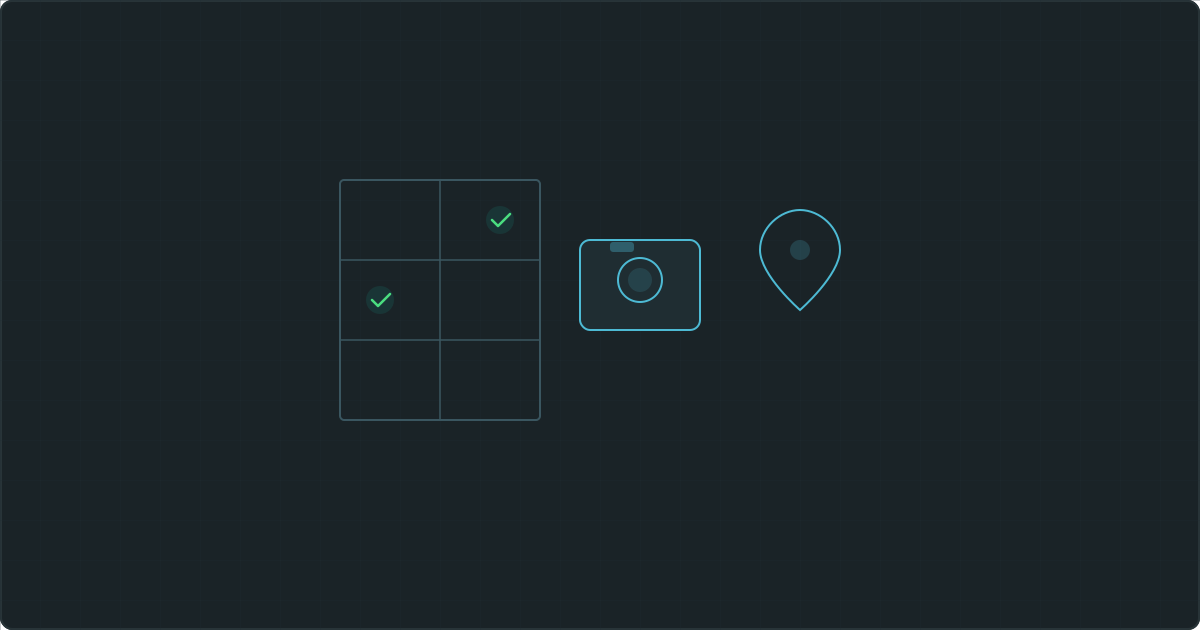
- Use a checklist. For inspections and milestone documentation, create a shot list. Foundation photos should include all four corners, any visible rebar, form conditions, and the overall excavation. A checklist ensures nothing gets missed.
Consistency also matters for dispute resolution. If you documented conditions every Tuesday for six months, and an issue arose during a week you missed, that gap will be noticed.
5. Back Up Photos Immediately
This one seems obvious, but it is also the most commonly ignored practice. Phones break. Phones get stolen. Camera rolls get accidentally cleared. A single lost device can wipe out weeks of documentation.
Upload your photos to a cloud platform the same day you take them. Do not wait until the end of the week. Do not rely on your phone's local storage as your only copy.
A few guidelines:
- Upload daily. Make it part of your end-of-day routine. If you have cell service on site, upload in real time.
- Verify uploads. Spot-check that your photos actually made it to the cloud, with captions and GPS data intact.
- Do not delete originals prematurely. Keep photos on your device until you have confirmed the cloud backup is complete.
- Choose a platform with redundancy. Consumer cloud storage works in a pinch, but purpose-built documentation platforms typically handle photo organization, metadata preservation, and backup more reliably.
6. Use Markup Tools for Clarity
Sometimes a photo alone does not tell the full story. An arrow pointing to a hairline crack, a circle around a misaligned anchor bolt, or a text label identifying a measurement makes the photo self-explanatory.
Markup tools turn a decent photo into a clear, professional piece of documentation. They are especially valuable for:
- Highlighting defects that might be hard to spot in a wide-angle shot
- Adding measurements or reference dimensions
- Marking areas of concern for follow-up on the next visit
- Clarifying orientation when photos could be ambiguous
The key is to annotate while the context is fresh. If you wait days to mark up photos, you will forget exactly what you wanted to highlight.
Most modern photo documentation platforms include built-in markup tools with arrows, shapes, text labels, and color options. Using these tools directly on the photo keeps the annotation permanently attached to the image, rather than floating in a separate document.
7. Generate Reports Promptly
A folder full of organized, captioned, geotagged photos is valuable. A formatted report with those same photos, complete with metadata, dates, and GPS coordinates, is significantly more valuable.
Photo log reports serve as the formal record. They are what you hand to the client, submit to the inspector, or present during a dispute. A report turns raw documentation into a professional deliverable.
Best practices for reporting:
- Generate reports within 24 hours of the site visit. Details are fresh, and you can catch any gaps in your documentation.
- Include metadata. Every photo in the report should show its caption, date, time, and GPS coordinates. This metadata is what makes the report defensible.
- Use consistent formatting. One or two photos per page, with captions below each image. Consistent layout looks professional and is easier to review.
- Name reports clearly. "Site Visit Report - 123 Main St - March 15, 2026" is infinitely better than "Report_final_v2."
- Keep a report archive. Every report you generate should be stored and accessible. You may need to reference a report from six months ago at any time.
8. Share Documentation Securely
Construction photo documentation often contains sensitive information: site conditions, security camera views, proprietary building methods, client property details. Emailing large ZIP files of photos is both insecure and impractical.
Better approaches:
- Use password-protected share links rather than email attachments. The recipient gets a secure link; you control access.
- Set expiration dates. A share link for a punch list walkthrough does not need to be active forever. Expiring links reduce your exposure.
- Track what you share. Maintain a record of who received access to which documentation, and when. This matters if questions arise later about what information was provided.
- Limit permissions. Clients and inspectors typically need view-only access. They should be able to view photos and download reports, but not edit or delete anything.
Sharing documentation well is just as important as creating it well. A professional sharing workflow reflects well on your company and protects your data.
Common Documentation Mistakes to Avoid
Even teams that take documentation seriously can fall into these traps:
- Taking photos with GPS disabled. Without location data, you lose one of the most important metadata fields. Check your device settings before every site visit.
- No captions on any photos. A thousand uncaptioned photos are almost as useless as no photos at all. Caption as you shoot, not after.
- Inconsistent documentation schedule. Photographing sporadically creates gaps. Build documentation into your workflow as a non-negotiable task.
- Relying solely on local storage. If your documentation lives only on one device, it is one accident away from being gone.
- Emailing sensitive files without protection. Unencrypted email attachments can be forwarded, intercepted, or lost. Use secure sharing methods.
- Waiting too long to generate reports. A report generated three weeks after a site visit is less reliable. Details fade, and the report feels like an afterthought rather than a professional deliverable.
How Technology Streamlines the Process
Following all eight practices manually is possible, but it is slow. Purpose-built field documentation tools eliminate most of the friction.
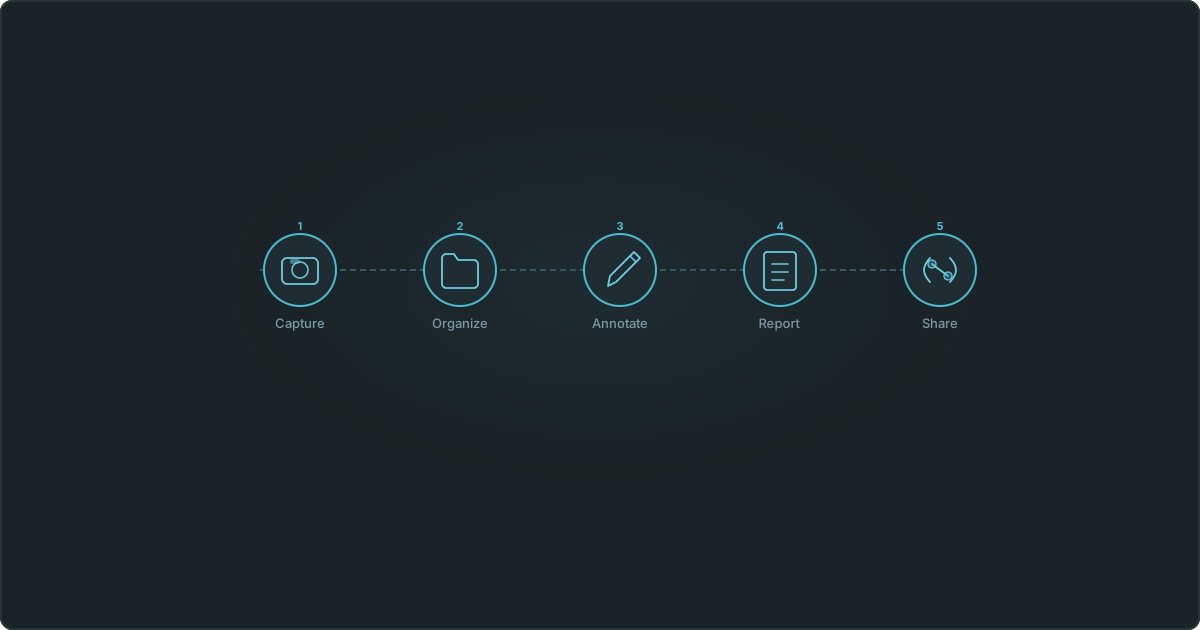
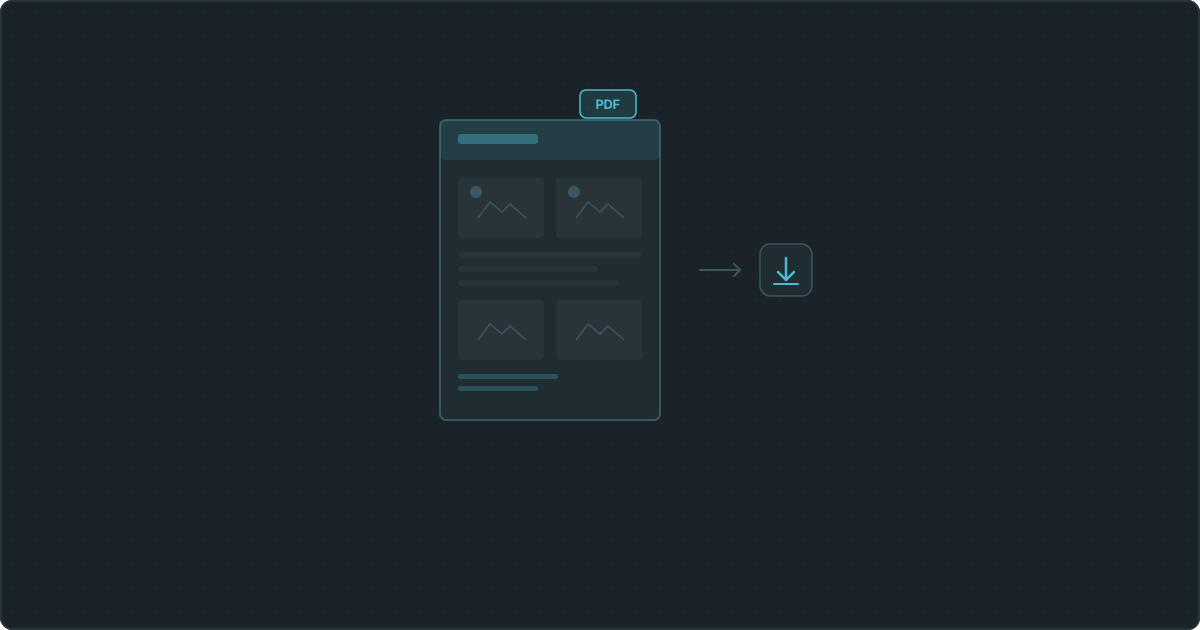
Modern platforms automatically extract GPS coordinates and metadata from every photo you upload. They organize your work into projects and surveys without requiring manual folder management. Markup tools are built directly into the photo viewer, so you annotate in context rather than switching between apps. And report generation that used to take an hour in Word or Excel takes seconds with a one-click PDF builder.
Vortyk is one such platform, designed specifically for inspectors and field teams who need organized photo documentation, interactive maps, and professional reports without the overhead of enterprise software. The goal is to let you spend your time on site, not at your desk formatting documents.
Whatever tool you choose, look for automatic GPS extraction, structured project organization, built-in markup, and secure client sharing. These four capabilities will save you the most time and produce the most defensible documentation.
Moving Forward
Construction photo documentation does not need to be complicated. The eight practices above, organizing by project, capturing GPS data, writing captions, documenting consistently, backing up immediately, using markups, generating reports promptly, and sharing securely, form a system that protects your work and your business.
Start with the practice that addresses your biggest current gap. If your photos have no captions, start captioning. If you have never generated a formal photo log report, generate one this week. Each improvement compounds over time.
The projects that have the best documentation are rarely the ones with the most photos. They are the ones with organized, captioned, geotagged photos that tell a clear story from start to finish. That is the standard worth building toward.
Still wasting hours on field reports?
Start your 14-day free trial. Generate your first report in minutes.
Start Free TrialMore from the blog